Thursday, 13 November 2014

Search Suggestion Box from MULTIPLE TABLE(Like Google Search) Using Ajax AutoCompleteExtender in Asp.Net C#

Search Suggestion Box from Multiple Table Using AJAX


The script will use a TextBox to search through a  instantly to return results Alphabetically without reloading the page. Every typed letter will update the results.

 Auto Suggestion Box Master Page
 Auto Suggestion Box Multiple Table Search
 Auto Suggestion Ajax AutoCompleteExtender
 Auto Complete Search For WINDOW APPLICATION


            Show Result From "Multiple Tables" 


             Download - Ajax .DLL File From Below Link
     
 "http://ajaxcontroltoolkit.codeplex.com/downloads/get/768265"


                         DEMO


 Html Coding


<%@ Register assembly="AjaxControlToolkit" namespace="AjaxControlToolkit" tagprefix="asp" %>

<!DOCTYPE html>

<html xmlns="http://www.w3.org/1999/xhtml">
<head id="Head1" runat="server">
    <title></title>
</head>
<body>
    <form id="form1" runat="server">
    <div>
          
        <asp:ToolkitScriptManager ID="ToolkitScriptManager1" runat="server">
        </asp:ToolkitScriptManager>
   
         <asp:TextBox ID="txtCourse" runat="server"></asp:TextBox>
            <asp:AutoCompleteExtender ID="AutoCompleteExtender2" runat="server"
             TargetControlID="txtCourse"
             ServicePath="Course.asmx"
             ServiceMethod ="CourseDetail"
             MinimumPrefixLength="1"
             CompletionSetCount="20"
             CompletionInterval="0"
             EnableCaching="true">
            </asp:AutoCompleteExtender>  

    </div>
    </form>
    <p>
        &nbsp;</p>
</body>

</html>


C# Coding


using System;
using System.Collections.Generic;
using System.Linq;
using System.Web;
using System.Web.Services;

/// <summary>
/// Summary description for Course
/// </summary>

[WebService(Namespace = "http://tempuri.org/")]
[WebServiceBinding(ConformsTo = WsiProfiles.BasicProfile1_1)]

// To allow this Web Service to be called from script, using ASP.NET AJAX, uncomment the following line.

[System.Web.Script.Services.ScriptService]

public class Course : System.Web.Services.WebService
{

    public Course()
    {

        //Uncomment the following line if using designed components
        //InitializeComponent();
    }

    [WebMethod]
    public List<string> CourseDetail(string prefixText)
    {
        System.Data.SqlClient.SqlConnection con = new System.Data.SqlClient.SqlConnection
            (System.Configuration.ConfigurationManager.ConnectionStrings["dbcon"].ToString());

        con.Open();

        System.Data.SqlClient.SqlCommand cmd1 = new System.Data.SqlClient.SqlCommand
            ("select * from coursename where name like @name+'%'", con);

        System.Data.SqlClient.SqlCommand cmd2 = new System.Data.SqlClient.SqlCommand
    ("select * from reg where name like @name+'%'", con);

        System.Data.SqlClient.SqlCommand cmd3 = new System.Data.SqlClient.SqlCommand
    ("select * from register where name like @name+'%'", con);

        cmd1.Parameters.AddWithValue("@name", prefixText);

        cmd2.Parameters.AddWithValue("@name", prefixText);

        cmd3.Parameters.AddWithValue("@name", prefixText);

        System.Data.SqlClient.SqlDataAdapter da1 = new System.Data.SqlClient.SqlDataAdapter(cmd1);

        System.Data.SqlClient.SqlDataAdapter da2 = new System.Data.SqlClient.SqlDataAdapter(cmd2);

        System.Data.SqlClient.SqlDataAdapter da3 = new System.Data.SqlClient.SqlDataAdapter(cmd3);


        System.Data.DataTable dt1 = new System.Data.DataTable();

        System.Data.DataTable dt2 = new System.Data.DataTable();

        System.Data.DataTable dt3 = new System.Data.DataTable();

        da1.Fill(dt1);
        da2.Fill(dt2);
        da3.Fill(dt3);

        List<string> Course_names = new List<string>();

        for (int i = 0; i < dt1.Rows.Count; i++)
        {
            Course_names.Add(dt1.Rows[i][2].ToString());
        }
        for (int j = 0; j < dt2.Rows.Count; j++)
        {
            Course_names.Add(dt2.Rows[j][1].ToString());
        }
        for (int k = 0; k < dt3.Rows.Count; k++)
        {
            Course_names.Add(dt3.Rows[k][0].ToString());
        }

        return Course_names;
    }


}

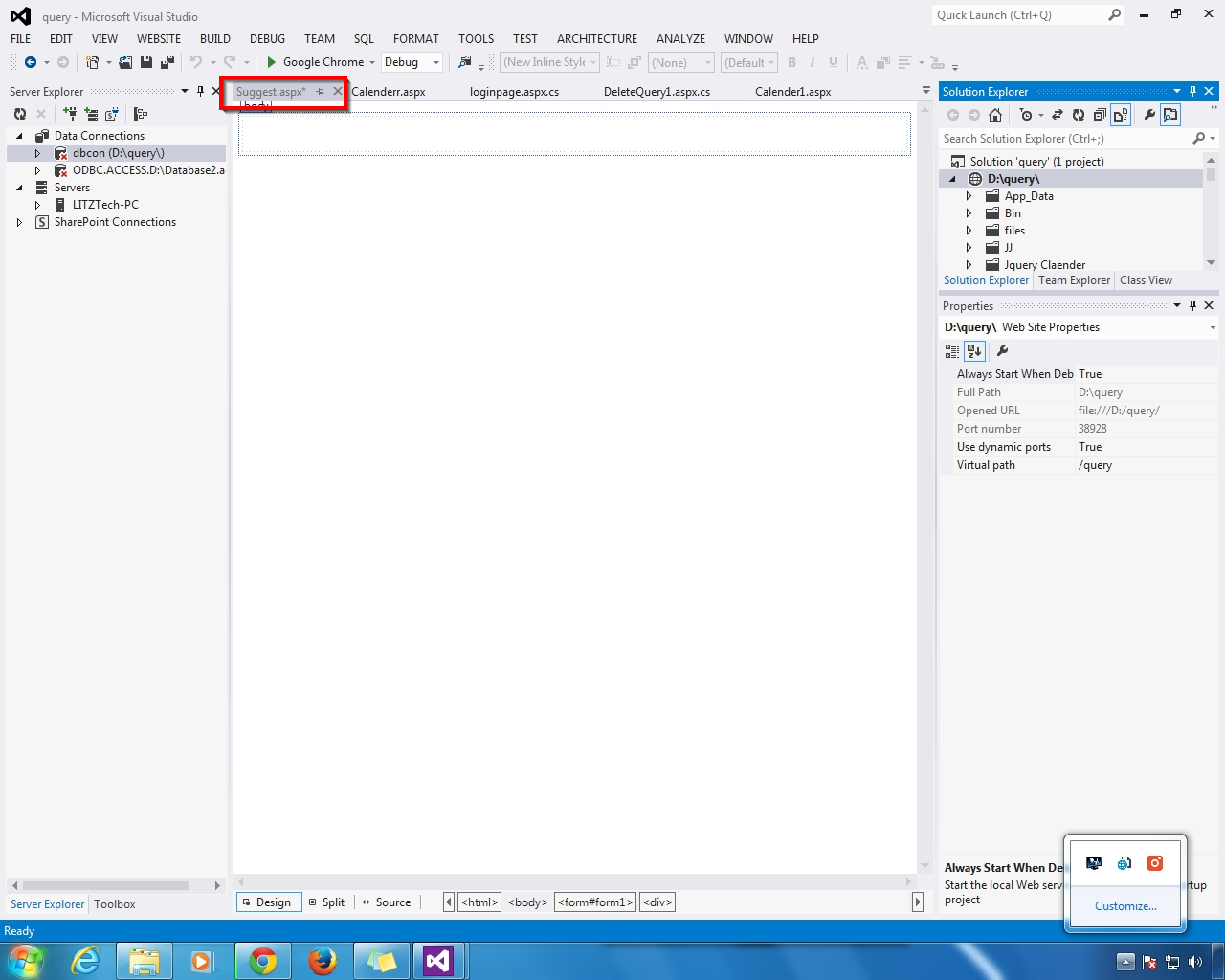
First  - Add  the New Web Form Name - Suggest.aspx


Tuesday, 11 November 2014

Suggestion Box Search Textbox Ajax AutoCompleteExtender control example Using WebService in asp.net C#

Suggestion Box Search(Like Google Search) Ajax AutoCompleteExtender Control Using WebService 


How the related suggestions Highlights as you start typing in the Google search box? This is called AutoComplete. So if you want Google type auto complete textbox functionality then we can also implement this functionality in our Asp.Net web applications using AutoCompleteExtender control of AJAX. AJAX is very powerful tool for improving performance,Like Below


 Auto Suggestion Box Master Page
 Auto Suggestion Box Multiple Table Search
 Auto Suggestion Ajax AutoCompleteExtender
 Auto Complete Search For WINDOW APPLICATION


 Two ways to implement AutoComplete functionality:

1) Using Web Service

2) Using Static Method


First -  Add the Ajax Tools  If you want to Download this Site 


 "http://ajaxcontroltoolkit.codeplex.com/downloads/get/768265"


                         DEMO


                HTML CODING


<%@ Register assembly="AjaxControlToolkit" namespace="AjaxControlToolkit" tagprefix="asp" %>

<!DOCTYPE html>

<html xmlns="http://www.w3.org/1999/xhtml">
<head id="Head1" runat="server">
    <title></title>
</head>
<body>
    <form id="form1" runat="server">
    <div>
   
        <br />
        <asp:ToolkitScriptManager ID="ToolkitScriptManager1" runat="server">
        </asp:ToolkitScriptManager> 
      

         <asp:TextBox ID="txtCourse" runat="server"></asp:TextBox>
            <asp:AutoCompleteExtender ID="AutoCompleteExtender2" runat="server"
             TargetControlID="txtCourse"
             ServicePath="Course.asmx"
             ServiceMethod ="CourseDetail"
             MinimumPrefixLength="1"
             CompletionSetCount="20"
             CompletionInterval="0"
             EnableCaching="true">
            </asp:AutoCompleteExtender>  
  
           
    </div>
    </form>
</body>

</html>


C# Coding


using System;
using System.Collections.Generic;
using System.Linq;
using System.Web;
using System.Web.Services;

/// <summary>
/// Summary description for Course
/// </summary>
[WebService(Namespace = "http://tempuri.org/")]
[WebServiceBinding(ConformsTo = WsiProfiles.BasicProfile1_1)]
// To allow this Web Service to be called from script, using ASP.NET AJAX, uncomment the following line.

[System.Web.Script.Services.ScriptService]


public class Course : System.Web.Services.WebService
{

    public Course()
    {

        //Uncomment the following line if using designed components
        //InitializeComponent();
    }

    [WebMethod]
    public List<string> CourseDetail(string prefixText)
    {
        System.Data.SqlClient.SqlConnection con = new System.Data.SqlClient.SqlConnection
            (System.Configuration.ConfigurationManager.ConnectionStrings["dbcon"].ToString());

        con.Open();

        System.Data.SqlClient.SqlCommand cmd = new System.Data.SqlClient.SqlCommand
            ("select * from coursename where course like @course+'%'", con);

        cmd.Parameters.AddWithValue("@course", prefixText);
        System.Data.SqlClient.SqlDataAdapter da = new System.Data.SqlClient.SqlDataAdapter(cmd);

        System.Data.DataTable dt = new System.Data.DataTable();
        da.Fill(dt);

        List<string> Course_names = new List<string>();

        for (int i = 0; i < dt.Rows.Count; i++)
        {
            Course_names.Add(dt.Rows[i][1].ToString());
        }
        return Course_names;
    }


}


-


Tuesday, 4 November 2014

How to Calender Control DatePicker Using JQuery in Asp.Net C#

No comments    
categories: , ,
Calender Control DatePicker Using JQuery

Jquery DatePicker with Textbox Using Asp.Net C#
Calender Control DatePicker Using JQuery
Show PopUp Window Open DateTimePicker


                     DEMO


JQuery Coding


<html xmlns="http://www.w3.org/1999/xhtml">
<head id="Head1" runat="server">
    <title>JQuery Calender DatePicker</title>

<%--    JQUERY  CODING FOR CALENDER DISPLAY TEXTBOX--%>

     <meta http-equiv="content-type" content="text/html; charset=utf-8" />
     <link rel="stylesheet" href="http://code.jquery.com/ui/1.11.0/themes/smoothness/jquery-ui.css">
    <script src="http://code.jquery.com/jquery-1.10.2.js"></script>
    <script src="http://code.jquery.com/ui/1.11.0/jquery-ui.js"></script>

    <script type="text/javascript" lang="javascript">
        $(function () {
            $("#<%=TextBoxDate.ClientID %>").datepicker({
                changeMonth: true,
                changeYear: true,
                chandeDate: true
            });
        });
    </script>

</head>
<body>
    <form id="form1" runat="server">
    <div>
   
        DATE
        <asp:TextBox ID="TextBoxDate" runat="server"></asp:TextBox>
   
    </div>
    </form>
</body>


</html>